Many schools ask for a portal before they define which workflows it should improve first. That usually creates a long feature wishlist, slow approvals, and no practical release strategy. A better approach is to prioritize the modules that remove the most daily friction for leadership, teachers, parents, students, and finance staff.
Start with the workflows people touch every day
Attendance and punctuality
Schools usually gain immediate value from daily attendance, late arrivals, leave records, and automatic alerts that reduce manual follow-up.
Homework and class communication
Teachers need a simple publishing workflow, while parents need one clear place to see assignments, updates, and deadlines without relying on scattered chat groups.
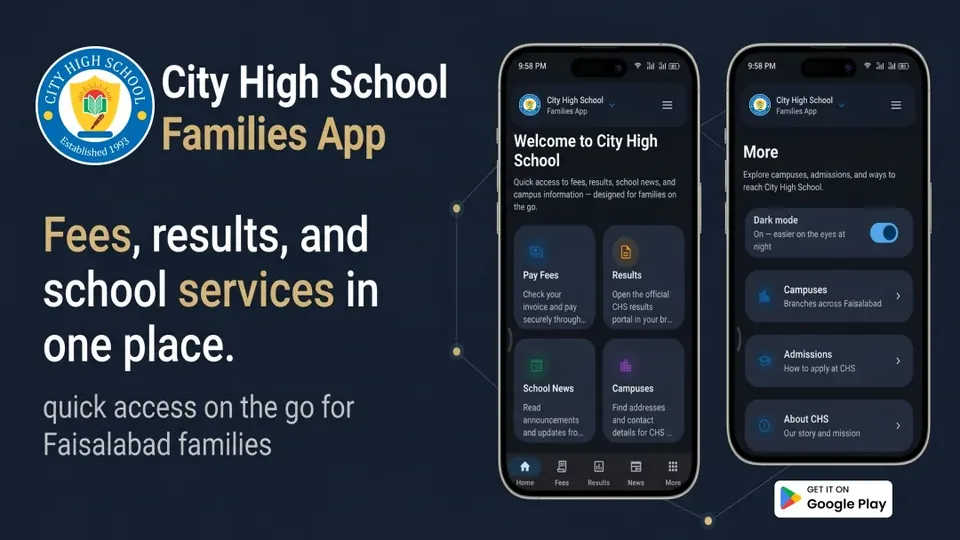
Fees and payment visibility
Outstanding balances, receipts, due dates, reminders, and class-wise finance views reduce confusion for both parents and the accounts team.
Notices and circulars
A proper portal should support targeted communication by class, campus, role, or activity so announcements reach the right audience at the right time.
Admin and staff capabilities that matter early
- Admissions tracking: Inquiry, document collection, interview status, approval steps, and enrollment visibility.
- Role-based access: Parents, teachers, coordinators, finance staff, and principals should never all see the same controls.
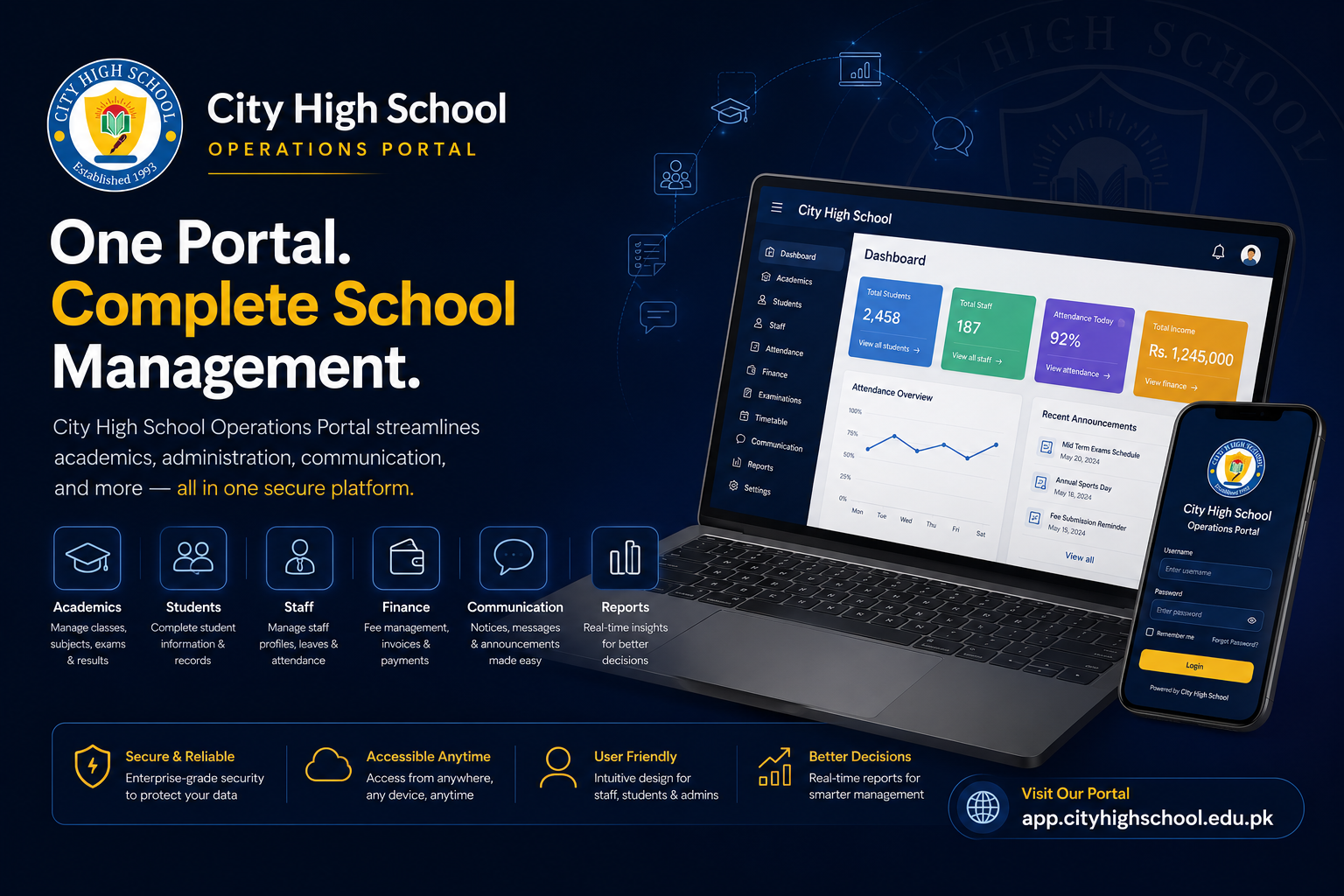
- Reporting dashboards: Attendance trends, fee summaries, class performance snapshots, and operational KPIs help leadership act faster.
- Internal staff workflows: Timetables, notices, approvals, and task routing improve staff coordination beyond just parent-facing features.
Version one should solve operational friction, not try to showcase every possible feature. The fastest way to delay a school portal is to insist on launching every module at once. Schools usually benefit more from a stable first release with the highest-usage workflows done well.
What can wait for phase two
Advanced analytics, complex integrations, secondary convenience modules, and niche automation can be added after real staff usage reveals what matters most. Launching a smaller first release also makes training, adoption, and feedback much easier.
A practical checklist for decision-makers
- Which three workflows waste the most staff time today?
- Which parent-facing updates currently depend on manual follow-up?
- Which reports does leadership ask for repeatedly?
- Which user roles need separate dashboards and permissions?
Recommended next step
If your school still relies on spreadsheets, chat threads, and disconnected notices, review portal development and software solutions to scope a practical first release around the workflows that matter most.